
| Setting up wireless internet and technical support. | ||
| Below are the simple steps of how you can setup your DSL modem to your pc. When you have a wireless DSL modem router, don’t hesitate to contact us to configure it for you. | ||
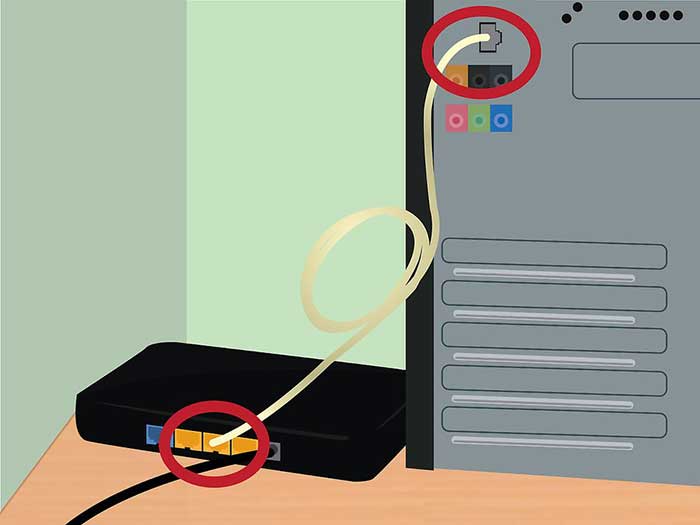
Plug the DSL modem into your computer. Make sure your computer is near a wall cable socket.
|
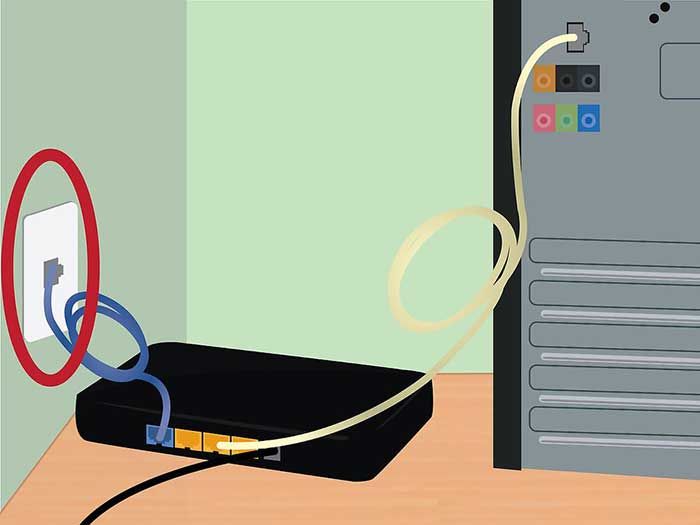
Plug the DSL modem into the wall cable socket.
|
|
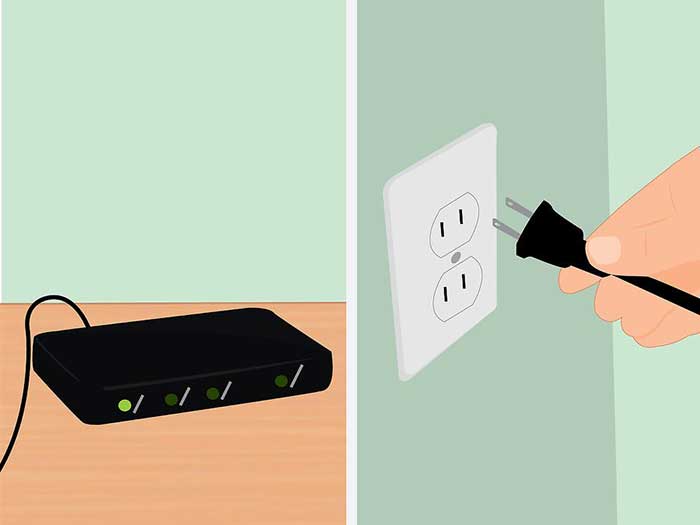
Plug in the DSL modem’s power cord. Most modem’s don’t have an On/Off switch. Plugging and unplugging them is how you turn them on and off.
|
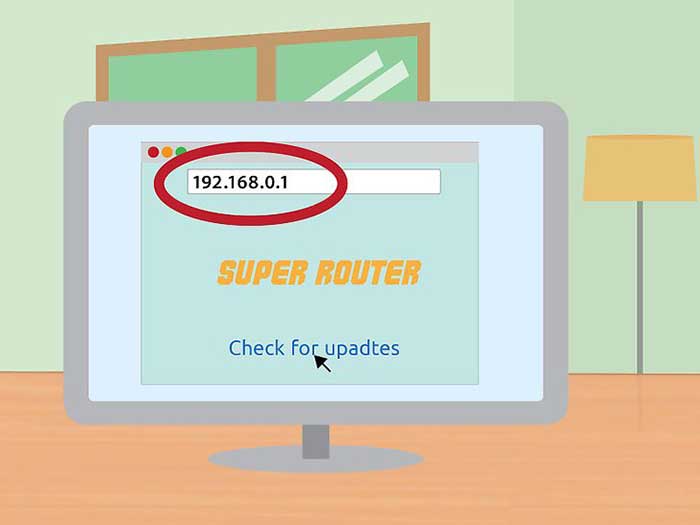
Log in to the modem’s administrative screen. Open a web browser. In the address field, type the modem’s IP address. It’s often printed on the modem itself. If not, it will be in the modem’s manual.
|
|
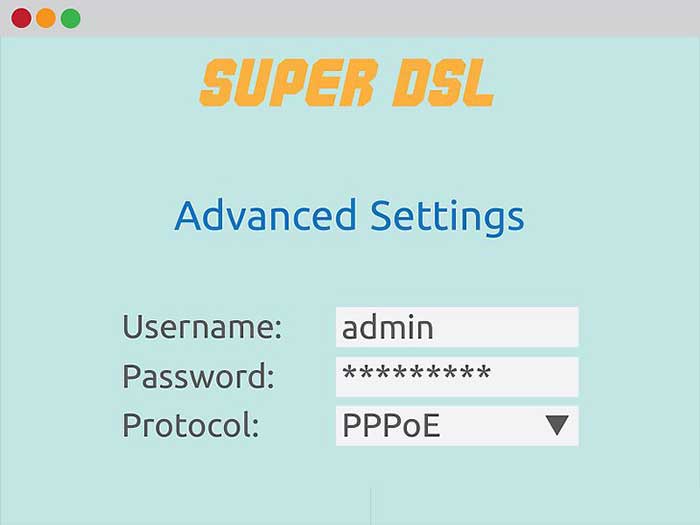
Enter your DSL account username and password. Once you’ve connected to the modem’s administrative screen, look for PPPoE. Enter your DSL account username and password into the PPPoE fields. The username is usually an email address.
|

Save your settings. When the setup is complete, save the settings. The internet light on your modem should turn green to indicate that you are online.
|
|
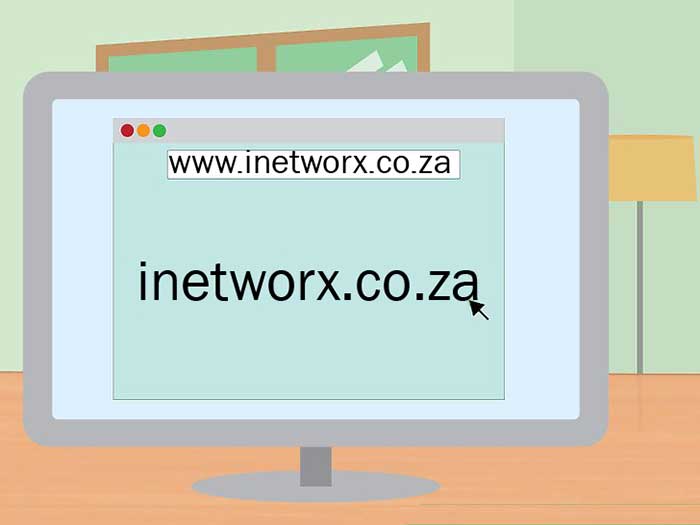
Test your internet connection. Open a web browser and go to a website that you haven’t been to before. If you go to a website you’ve been to recently, your browser may load it from its memory. If the website loaded, then you’re connected to the internet. If not, complete the rest of the steps.
|
iNetworx is situated in St Helena Bay, which is on the West Coast of the Western Cape (the same area as Vredenburg, Velddrif, Shelley Point, Stompneusbaai, Britannica Heights, Laingville, Steenberg Cove, Harbour Lights), and we provide quick local/onsite (home call-outs) help and technical support for IT/computer/Windows/AppleMac/web developement/design and internet related services and issues. Also, computer and laptop repairs and service
I.e.: “I’m on call to sort out technical IT or computer problems at your house/business”.
Technical support, computer repairs and help that comes to you. Simple. Affordable. Local.